Granular permissions
vCode asks before it edits files or runs commands. Set allow/deny rules once and share them with your team by committing them to the repo.

Your local machine. Cloud intelligence. Now safer, smarter, and fully extensible. vCode connects Lloyd to your own computer — the AI thinks in the cloud, but every action runs locally on your machine, in your repos, with your tools.
curl -fsSL https://vcode.artificiallabs.ai/install | sh
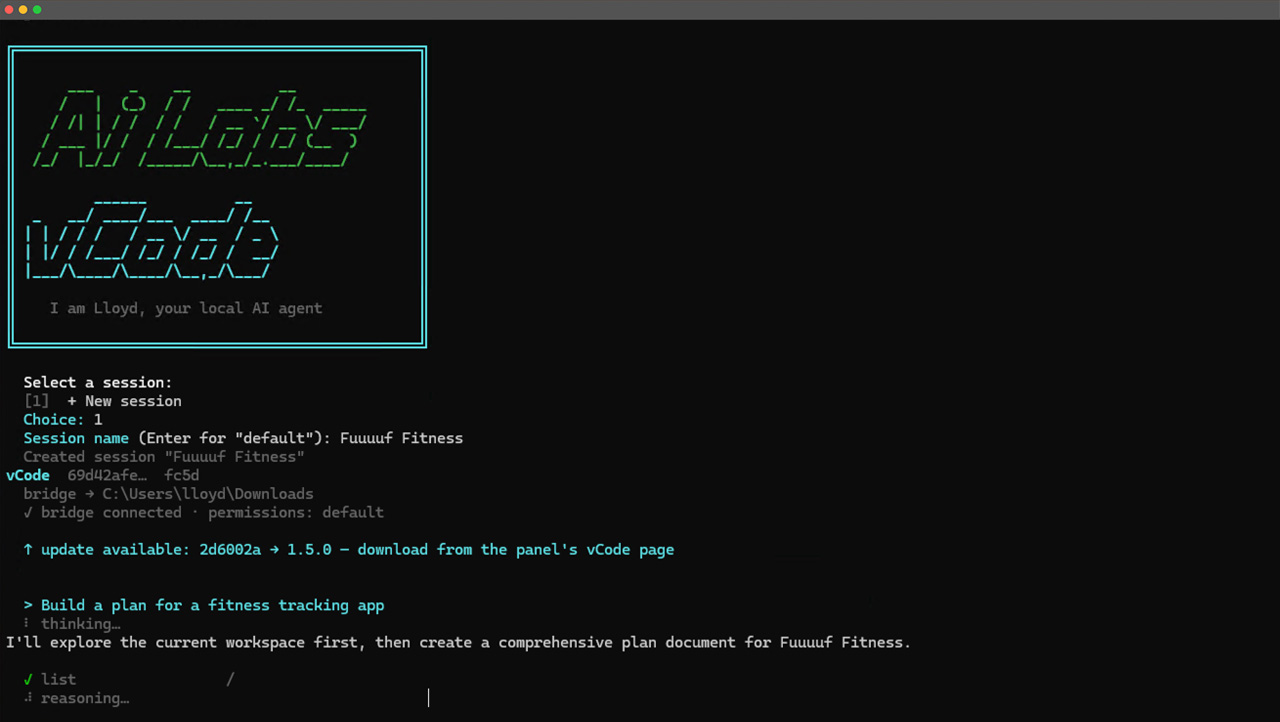
Approve, audit, and rewind anything Lloyd does on your machine.
vCode asks before it edits files or runs commands. Set allow/deny rules once and share them with your team by committing them to the repo.
Choose cautious default, focused acceptEdits, read-only plan, or --yes when you just want it done.
Every file the agent touches is snapshotted first. One command rolls anything back. Experiment fearlessly.
The comforts of a modern editor inside a native terminal workflow.
Command history, tab completion for commands and file paths, and multiline input — all built in.
Type @src/server.js to attach a file, or @screenshot.png to share an image. Lloyd can literally see your UI.
vcode --continue reopens your latest session instantly. Sessions live in the cloud, so nothing is lost when your laptop sleeps.
One command checks your connection, auth, and version so you never debug your tools instead of your code.
Teach vCode once, benefit forever — across every project and session.
Personal notes in ~/.vcode/VCODE.md, team conventions in VCODE.md, and private scratch notes in VCODE.local.md. Start a note with # mid-session and save it on the spot.
New to a codebase? vCode explores it and writes its own briefing document so you hit the ground running.
Drop a markdown file in .vcode/commands/ and it becomes a reusable /command for your whole team.
Switch between available AI models mid-session whenever the task demands it.
/plan puts Lloyd in read-only mode: it analyzes and proposes, you approve, then it builds.
Plug into the tools and workflows you already use.
Connect any Model Context Protocol server with vcode mcp add. Its tools appear to Lloyd automatically and run securely on your machine — GitHub, databases, internal APIs, anything in the MCP ecosystem.
Run your own shell commands before or after every agent action. Enforce lint gates, auto-format on save, trigger notifications — a failing pre-hook blocks the action entirely.
Pipe input in, get JSON or streaming JSON out. vCode slots straight into your CI and automation.
vCode executes commands in your own terminal emulator, with your local prompt and project directory. It reads and edits files on your actual machine, not a remote sandbox.
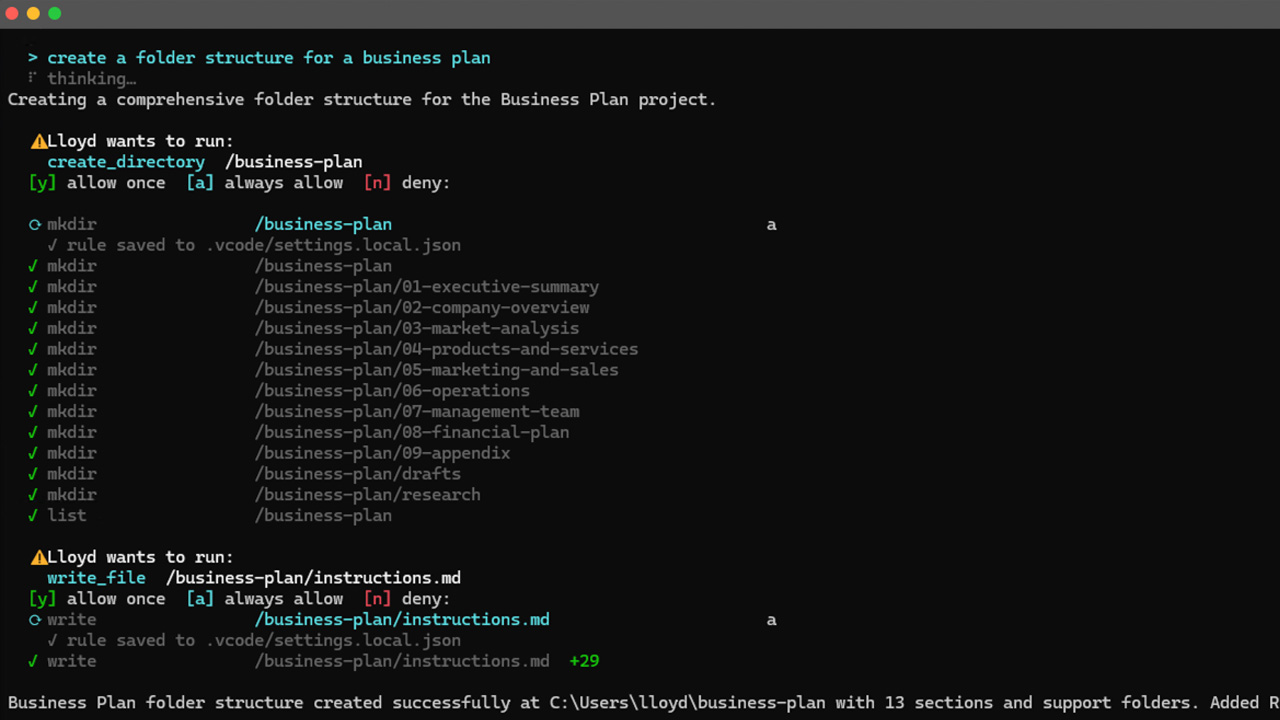
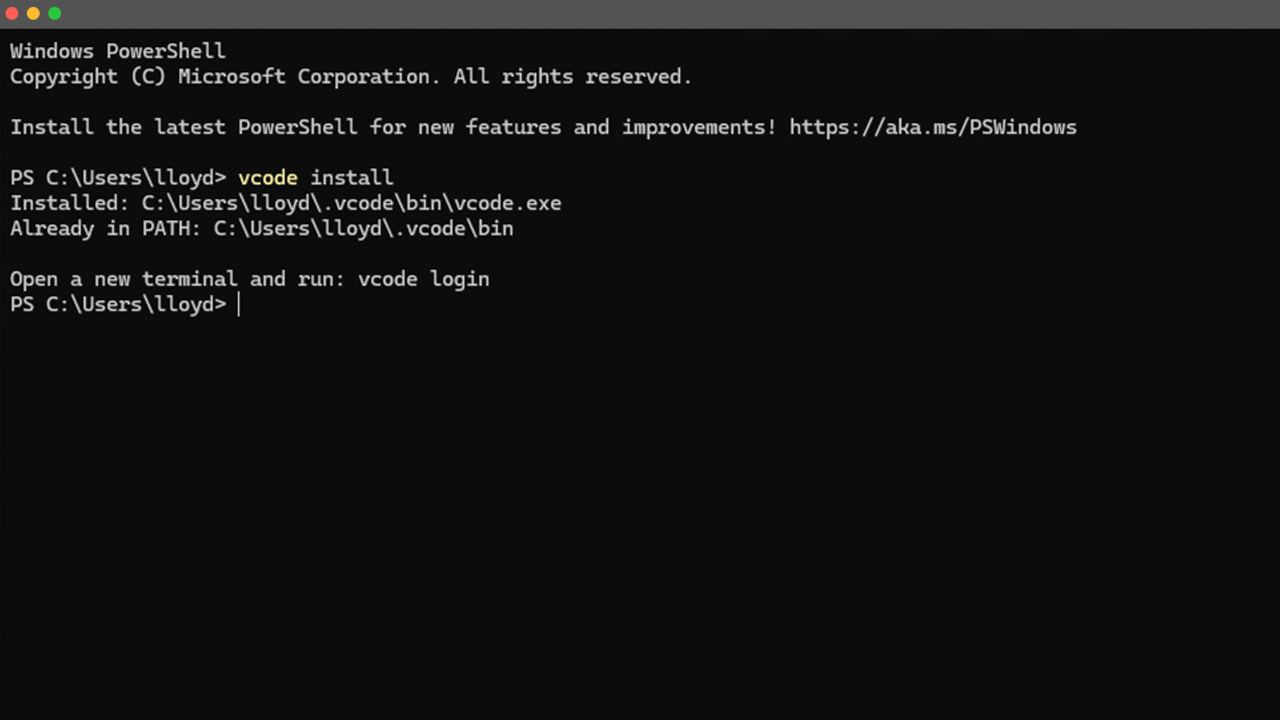
Install vCode with a single curl command or Homebrew tap. The same binary runs on Windows, macOS, and Linux.
curl -fsSL https://vcode.artificiallabs.ai/install | shbrew install vcodeSend context, corrections, and approvals from Slack, the web panel, or your phone. vCode keeps working on your machine while you stay in control.
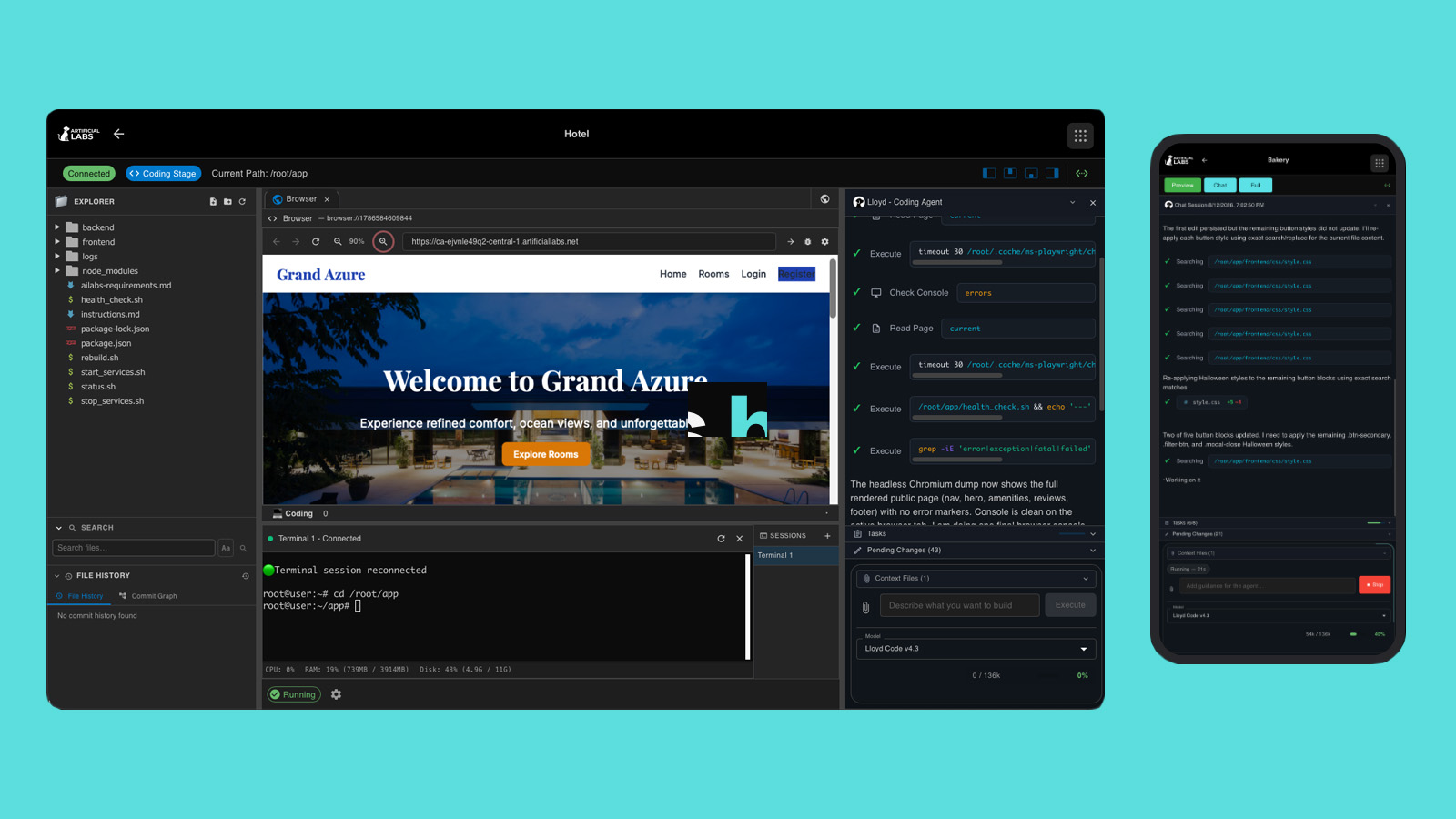
vCode automatically saves checkpoints as it works. If an edit goes wrong, rewind to a known-good state with a single command.
/rewind to any previous pointvcode login
vcode
Download vCode for Windows and Linux from your panel's vCode page. Already installed? vCode tells you when an update is available at startup.
vCode by AiLabs — the coding agent that works where you work.
Four releases of shipping the features that make vCode a professional-grade coding agent.
vcode mcp add/list/remove connects local Model Context Protocol servers; use /mcp to see connected servers and tools.PreToolUse, PostToolUse, and Stop shell hooks in .vcode/settings.json.@image.png uploads images so vision-capable models can see your UI.@import support..vcode/commands/*.md with $ARGUMENTS.@file inlining, --continue, /doctor, and /terminals.--output-format stream-json for automation./rewind restore..vcode/settings.json.Get Lloyd on your local machine today.